

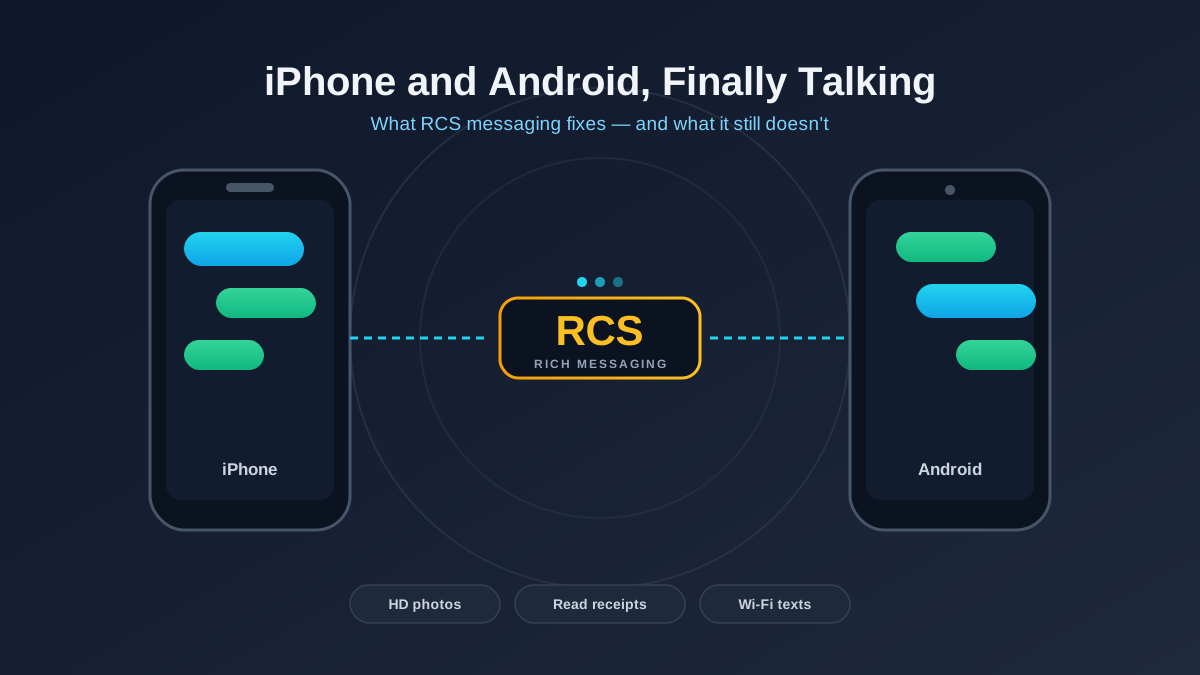
RCS (Rich Communication Services) is the modern replacement for SMS and MMS — the upgrade that adds typing indicators, read receipts, high-resolution photos and Wi-Fi messaging to your default texting app. Since Apple added RCS support in iOS 18, texts between iPhone and Android finally behave like a proper chat instead of a 2009 relic. The catch: it is still not iMessage, and a few important things — most notably encryption between the two platforms — only started arriving in 2025.
If you have ever sent a video to an Android friend from your iPhone and watched it arrive as a postage-stamp-sized blur, RCS is the fix. Here is what it actually is, what changed, what is still broken, and how to make sure it is switched on.
What is RCS messaging, in plain English?
SMS (texts) and MMS (picture messages) are ancient. SMS dates to the early 1990s and was designed for tiny bursts of text over the cellular control channel — that is why classic texts cap out around 160 characters and why group chats over SMS are a mess. MMS bolted on media support but compresses photos and videos into oblivion to keep file sizes small.
RCS is the carrier-backed successor. Instead of squeezing messages through the old cellular signaling channel, it sends them over your data connection (mobile data or Wi-Fi), the same way an internet chat app does. That single change unlocks almost everything people actually want from modern messaging:
- Full-resolution photos and videos instead of compressed blobs
- Typing indicators so you know someone is replying
- Read receipts (which you can turn off)
- Proper group chats where you can name the group, add and remove people, and leave
- Messaging over Wi-Fi with no cell signal at all
- Reactions (the tapback-style emoji on a message)
- Larger files, longer messages, and reliable delivery status
The technical standard is managed by the GSMA, the same industry body behind global mobile standards. In practice, though, the version everyone uses is Google’s implementation — the Universal Profile — which Google runs through its own servers and bakes into the Google Messages app on Android.
What changed for iPhone and Android texting
For years RCS was an Android-only story. Google pushed it hard, carriers slowly enabled it, and Android-to-Android texting quietly got good. iPhones were the holdout — Apple kept the green bubble locked to plain SMS/MMS, so any conversation with an Android user fell back to the worst-case experience.
That ended with iOS 18 in late 2024, when Apple finally added RCS support to the iPhone. Now, when an iPhone and an Android phone text each other and both have RCS enabled, the conversation upgrades automatically. Concretely, the things that used to break now work:
- Videos and photos arrive sharp, not pixelated
- You see typing bubbles and read receipts across platforms
- Group chats with a mix of iPhones and Androids stop falling apart
- Messages send over Wi-Fi, so a dead cell zone with internet still works
- You get an accurate “Delivered” status instead of silence
One thing did not change: the bubble is still green on the iPhone. RCS messages from Android users show up in green, not the blue reserved for iMessage. Apple uses the color to signal which network the message is travelling over, and that distinction is staying. So if you were hoping RCS would end the green-bubble social stigma, it will not — it just makes the green bubble far less annoying to actually use.
What still does not work cross-platform
This is where honesty matters, because the marketing around RCS oversells it. A few real limitations remain between iPhone and Android.
Encryption is the big one
Android-to-Android RCS through Google Messages has been end-to-end encrypted for years. iPhone-to-iPhone over iMessage is encrypted too. But for a long time, iPhone-to-Android RCS was not encrypted at all — those messages travelled in a less protected state, more like a regular text. In 2025 the GSMA published an updated Universal Profile that adds cross-platform end-to-end encryption based on the MLS (Messaging Layer Security) standard, and Apple and Google have committed to supporting it. The encryption rolls out through software updates on both sides, so whether your specific conversation is encrypted depends on both phones running new enough software. If privacy is your priority and you cannot guarantee that, a dedicated app like Signal is still the safer default.
Editing, advanced effects and other iMessage-only tricks
iMessage features that are not part of the RCS standard simply do not cross over. Editing or unsending a message, message effects, stickers packs, Apple Cash, and Tapback styling all stay inside the blue-bubble world. Cross-platform you get the core RCS feature set — reactions, typing, receipts, good media — and not much more.
It depends on the app, the carrier and the phone
RCS is not a single switch. On Android it runs through Google Messages; if your phone uses a different default texting app (some Samsung and carrier apps historically did), RCS behavior can vary. On iPhone, RCS lives only in the built-in Messages app. And your carrier has to support it — most major US and international carriers now do, but a few smaller or prepaid carriers lag behind. If RCS is not connecting, the carrier is the usual culprit.
How to turn on RCS
RCS is on by default for most people on current software, but it is worth checking — especially if your texts to the other platform still look low quality.
Step 1: Update your phone
On iPhone, you need iOS 18 or later (Settings > General > Software Update). On Android, update the Google Messages app from the Play Store and make sure your system software is current. Cross-platform encryption in particular requires recent updates on both phones, so do not skip this. If you are setting up a phone you just bought, our guide to transferring everything to a new phone covers getting Messages configured cleanly.
Step 2: Enable RCS in your settings
On iPhone: go to Settings > Apps > Messages and turn on RCS Messaging. (On some versions it is Settings > Messages.) On Android: open Google Messages, tap your profile picture > Messages settings > RCS chats, and turn on Turn on RCS chats.
Step 3: Wait for verification
After enabling it, your phone registers your number with the RCS network. The status should change to “Connected” or “Ready” within a few minutes. If it stays stuck on “Setting up” or “Verifying” for hours, that usually points to a carrier issue — toggle it off and on, confirm you have a data connection, and restart the phone.
Step 4: Confirm it is actually working
Text someone on the other platform who also has RCS on. You will know it worked when you see typing indicators, a “Delivered” or read status, and sharp media. On iPhone the message box will say “Text Message – RCS” instead of “Text Message – SMS.” If you still see SMS, one side has not finished setup — usually the other person.
Should you use RCS or a dedicated chat app?
For everyday texting with people who are not on iMessage, RCS is now clearly the right default — it is built in, requires no extra app, and finally makes mixed iPhone-Android group chats usable. It pairs naturally with other quality-of-life basics; if you are deep in tweaking your phone, our pieces on freeing up phone storage and protecting your smartphone privacy are good companions, since rich media chats eat space and the privacy settings matter more than ever once messages carry photos and read receipts.
That said, RCS is not a privacy product first. If you want guaranteed end-to-end encryption regardless of what software the other person is running, a dedicated app like Signal remains the cleaner choice. RCS’s job is to make the default texting experience good, and at that it now genuinely succeeds. For broader context on how phones connect, our 5G vs 4G explainer and the eSIM guide are worth a look, since RCS rides on the same data connection those technologies provide.
Frequently asked questions
Does RCS make the green bubble turn blue on iPhone?
No. RCS messages from Android users stay green on the iPhone. Blue bubbles are reserved for iMessage, which is Apple-only. RCS makes the green-bubble conversation work far better — sharp media, typing indicators, read receipts — but it does not change the color.
Is RCS messaging free?
Yes, RCS messages use your mobile data or Wi-Fi rather than counting as paid texts, and on virtually all modern plans data messaging is included. If you are on a metered data plan with no Wi-Fi, RCS will use a small amount of data for media, but text itself is negligible.
Are iPhone-to-Android RCS messages encrypted?
Not always — and this is the most important caveat. Android-to-Android and iPhone-to-iPhone have been encrypted for years, but cross-platform encryption only arrived with the 2025 update to the RCS standard and depends on both phones running new enough software. For guaranteed end-to-end encryption, use a dedicated secure messenger.
Why is RCS not turning on for me?
The usual cause is your carrier, not your phone. Confirm you are on iOS 18 or later (iPhone) or the latest Google Messages (Android), make sure RCS is enabled in settings, and check you have a working data connection. If it stays stuck on “Verifying,” restart the phone; if it still fails, your carrier may not fully support RCS yet.